
Legacy Creation
Create Your Digital Legacy
This interactive legacy template allows you to create a personalized memory document using personal photos and written reflections.
Important: Your content is not stored on this website. Please download your completed document before exiting Canva.
Please review this entire page carefully before beginning your personal project.
How It Works
You may need to log in to a free Canva account to create, edit, or download your personal design. If you do not already have an account, you can sign up for the free version before getting started.
You can find an instructional video and accompanying handout below for additional guidance and support.
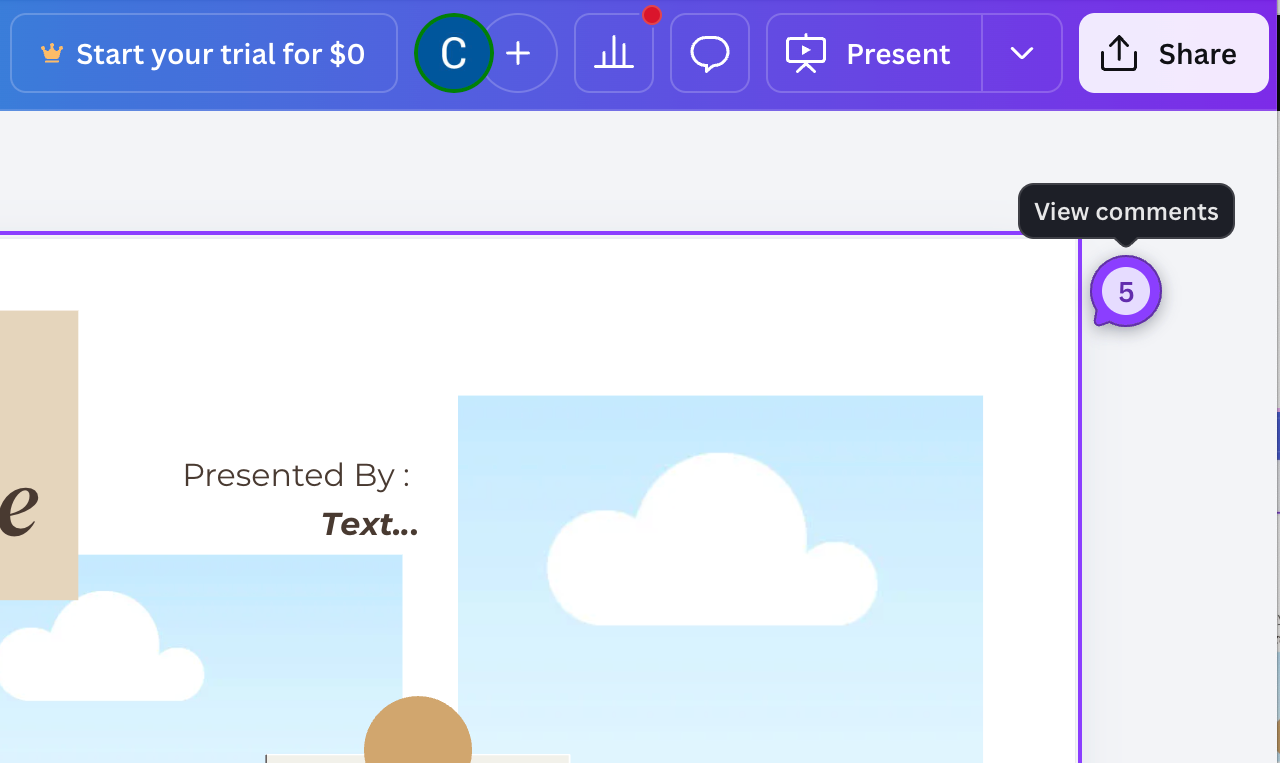
Instructions for adding photos, stickers, and downloading your completed document are also included in the comments on the first page of the template.
When you’re ready to begin your personalized project, click the “Begin Creating” button located below to get started.
Be sure to download your finished file before closing Canva.
Privacy & Confidentiality Notice
This legacy creation tool opens in Canva, a third-party platform.
This website does not collect, store, access, or retain any images, text, or personal information entered into the template.
All content you add is managed under Canva’s privacy policies and terms of use.
Please use discretion when including personal or health-related information.
HIPAA & Health Information Statement
This website does not collect Protected Health Information (PHI).
The legacy template is intended for personal reflection and creative expression only.
Users are responsible for determining what information they choose to include in their document.
Educational & Informational Disclaimer
This legacy tool is provided for educational and reflective purposes.
It does not replace medical advice, psychological counseling, hospice care planning, or legal planning services.
If you need medical, emotional, or crisis support, please contact a licensed healthcare provider or emergency services.
Copyright & Use Notice
This template is intended for personal use. Users are responsible for ensuring they have permission to use any photos, music, or materials included in their creation.
Music and design elements added within Canva are subject to Canva’s licensing policies.
Click the button below to open the template in Canva and begin creating.
How to Create a Non-Digital Legacy
A non-digital legacy is a meaningful way to preserve memories, values, and stories for loved ones using physical items
Step 1: Reflect on What You Want to Share
Start by thinking about the memories, life lessons, traditions, or values that feel most important to pass on to loved ones.
Examples:
Writing down important life lessons or advice
Sharing meaningful childhood memories
Reflecting on personal values, traditions, or beliefs
Step 2: Choose a Legacy Activity
Select a way to express your memories and stories using a meaningful physical activity.
Examples:
Writing a handwritten letter
Creating a scrapbook
Making a memory box filled with meaningful items
Compiling a handwritten recipe book
Step 3: Gather Meaningful Items and Begin Creating
Collect photographs, keepsakes, or written memories that help tell your story.
Examples:
-
Printed photos and captions
-
Letters, cards, or notes
-
Personal objects such as tickets, postcards, or jewelry
-
Written stories or reflections
Step 4: Share the Legacy with Loved Ones
When you feel ready, share your legacy with family or friends.
Examples:
-
Giving a letter to a loved one
-
Looking through a scrapbook together
-
Sharing stories connected to items in a memory box
-
Cooking a family recipe and sharing the story behind it